For iPhone

Make your phone
boring again.

Keep the utility. Remove the stimulation.

One slider moves your iPhone between Full, Reduced and Zero mode. Feeds, Reels and Shorts go quiet. Messages, maps and the people you follow stay.

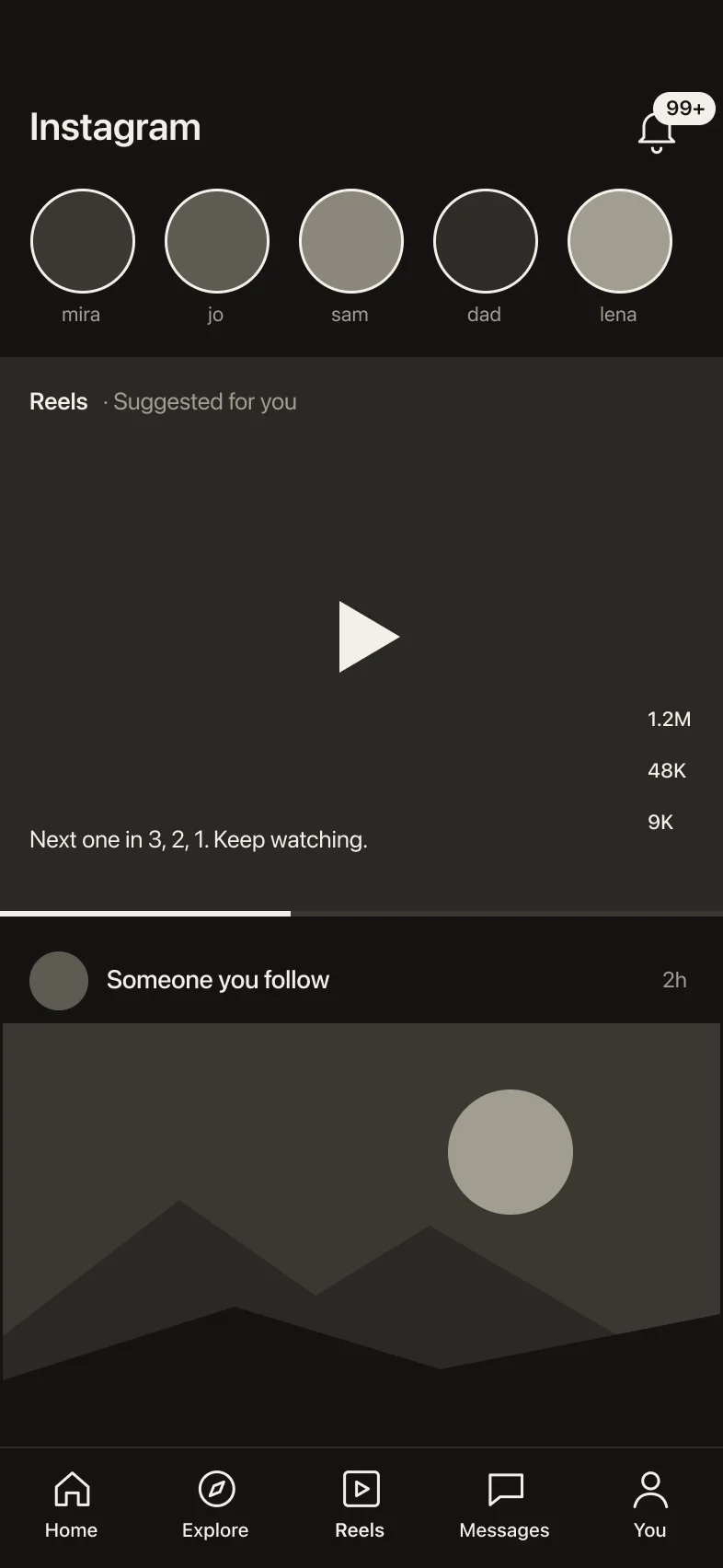
Instagram in Full: Reels autoplaying in the feed.
FullEverything, for a while
Zero modeOnly what stays
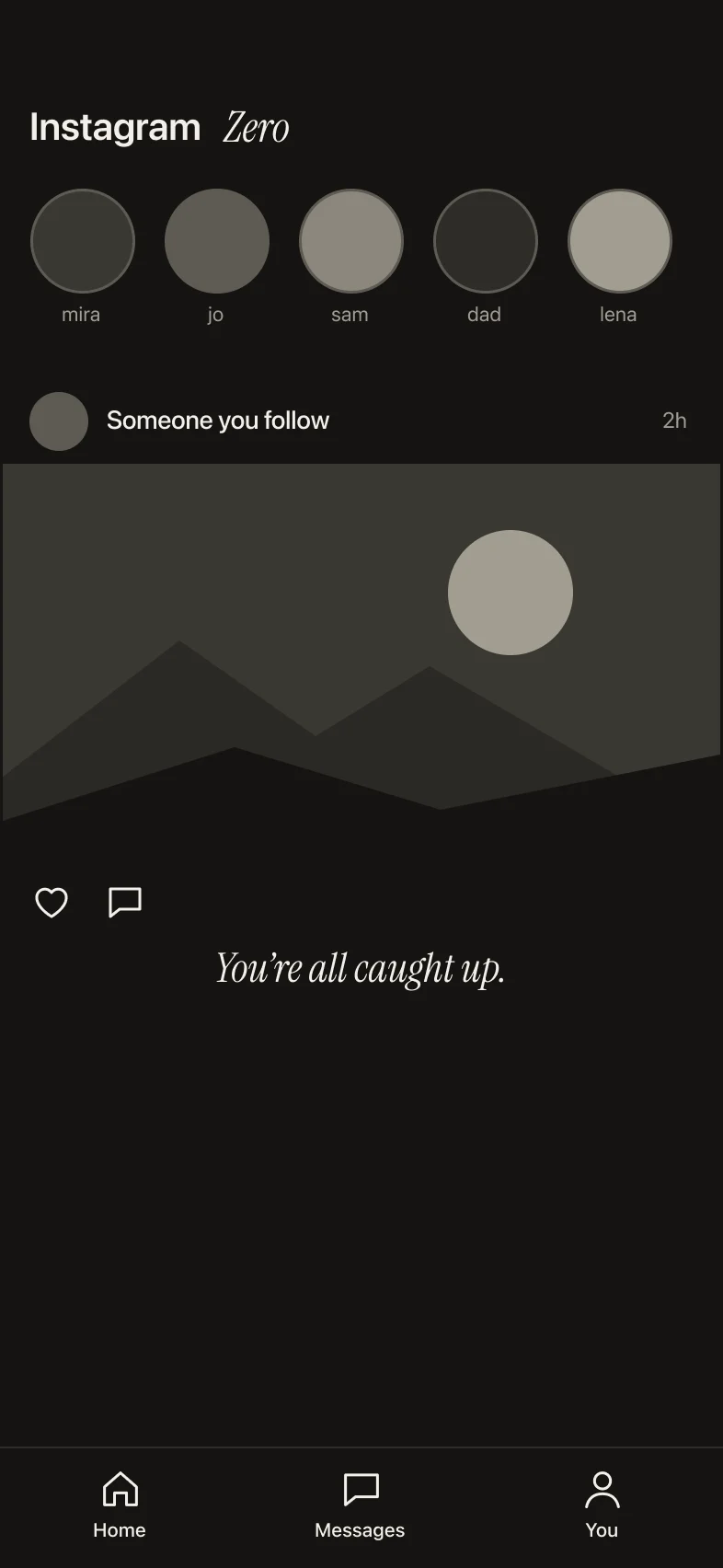
Instagram Zero in Reduced: stories and people you follow, no Reels. You're all caught up.
ReducedWhere your phone rests

Your phone was built to be hard to put down. Dopamine Zero makes it easy again.

01How it works

One slider.
Three stops.

Your phone rests in Reduced. Slide toward Zero to focus, toward Full when you really need everything.

Nothing to set up every morning. The slider is the only control, and it always tells you where you are.

  1. 1 of 3 · Everyday

    Reduced is where your phone rests.

    Reels, Shorts and endless feeds are gone. Messages, maps, music and the people you follow stay.

  2. 2 of 3 · Work and study

    Slide right for Zero mode.

    Only what stays: Phone, Messages, Maps. Your Home Screen turns into a short list of words until you slide back.

  3. 3 of 3 · If needed

    Slide left for everything.

    Pick 15 minutes up to 2 hours. When the time is up, your phone goes back to Reduced by itself.

02Zero Apps

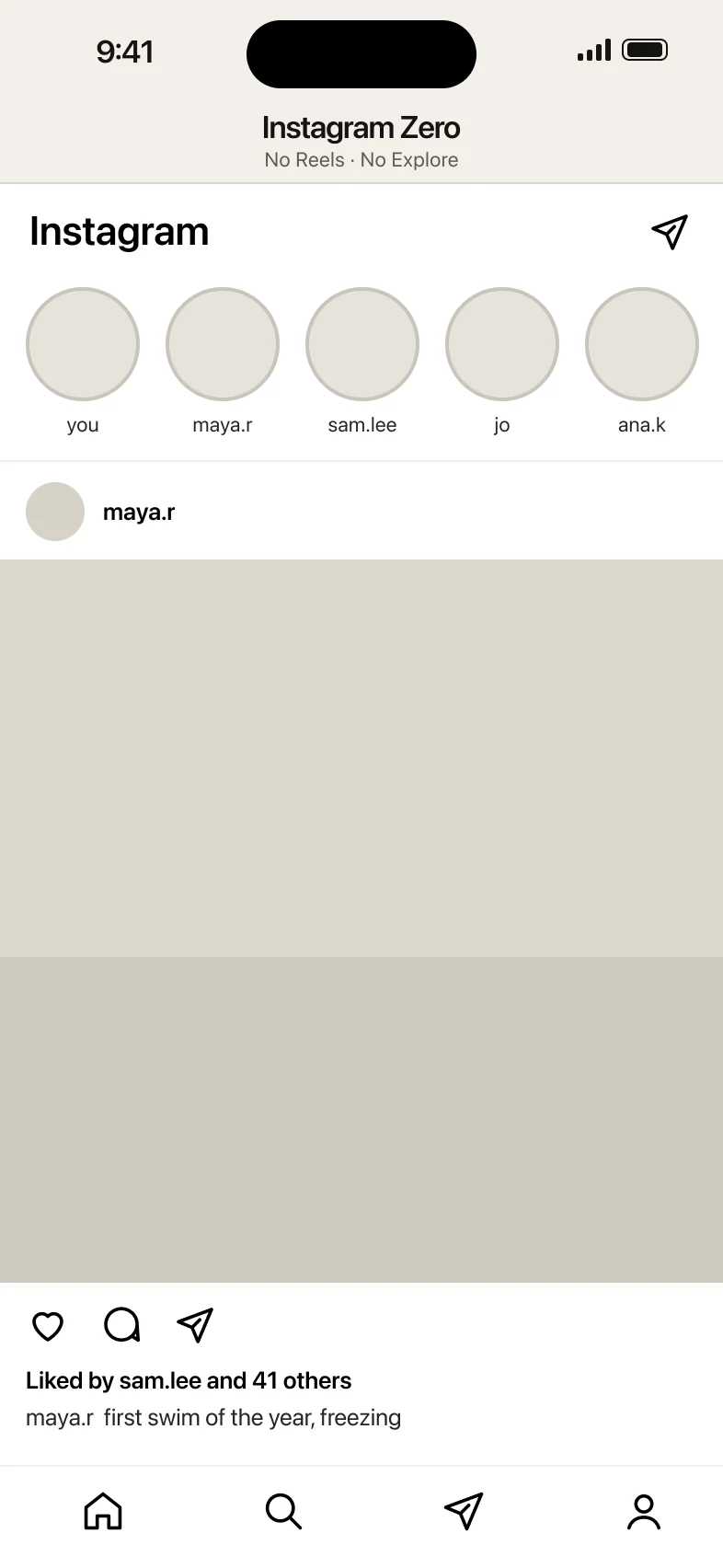
Instagram Zero.
YouTube Zero.

The apps you need, without the parts that pull you back in.

Nine Zero Apps open inside Dopamine Zero. When one opens, the color drains out first, so you always know you are somewhere quieter.

Goes

  • Reels
  • Shorts
  • Explore
  • Suggested posts
  • Ads

Stays

  • Messages
  • Search
  • People you follow
  • Your profile
Instagram Zero: stories, one post from someone you follow, and a header that says No Reels, No Explore.
  • Instagram Zero
  • YouTube Zero
  • TikTok Zero
  • Reddit Zero
  • Snapchat Zero
  • Facebook Zero
  • X Zero
  • LinkedIn Zero
  • Threads Zero
03Minimal Home

A Home Screen you read, not scroll.

Your apps become a short list of words.

The Almanac widget sets them in Instrument Serif under the weather. Pick a color, a plain wallpaper and the order. Nothing on it moves, counts or asks for you.

Five colors · try one
04Sleep

Your phone stays out of bed.

At bedtime your apps close, except the few you always allow. In the morning Zero mode ends, and your phone wakes up in Reduced with you.

05Statistics

See where today went.

Statistics shows your day by mode, straight from Screen Time. No streaks, no scores, just where the hours went.

2 h 55 in Zero mode today

Full · 46 minReduced · 9 hZero · 2 h 55

An example day.

06Privacy

Your browsing stays
on your phone.

Read the privacy policy
  • No account

    There is nothing to sign up for. Settings live on your iPhone, and in iCloud only if you turn Sync on.

  • Filtered on your iPhone

    Zero Apps are cleaned up on the device itself. We never see what you watch, search or read.

  • Private, by Apple’s design

    Screen Time gives Dopamine Zero private tokens for the apps you pick, so it can block them without knowing which apps they are.

07Pricing

One plan.
Everything in it.

Try it free for a week. Cancel any time in Settings.

  • Three modes and the slider
  • Nine Zero Apps, without ads
  • Sleep
  • Statistics
  • Minimal Home and the Almanac widget
Choose a plan
Join the waitlist

Prices in US dollars. Subscriptions renew until you cancel.

08Questions

Good questions.

Something else? Write to support@dopaminezero.app. We read every message.

Why does Dopamine Zero need Screen Time access?

Screen Time is how iOS lets an app block other apps. Apple gives Dopamine Zero private tokens for the apps you pick, so it can block them without knowing which apps they are.

Can I still use Instagram?

Yes, as Instagram Zero inside Dopamine Zero. Messages, search and the people you follow stay. Reels and Explore are gone.

What happens at night?

At bedtime your apps close, except the ones you always allow, like Phone and Messages. In the morning Zero mode ends and your phone is back in Reduced.

I have a new iPhone.

With iCloud Sync on, choose Restore from iCloud when you open the app. Your settings come back. Screen Time picks never leave the old iPhone, so you’ll choose your apps again.

How do I cancel?

Open Settings on your iPhone, tap your name, then Subscriptions, then Dopamine Zero. Subscriptions are handled by Apple.

The Dopamine Zero app icon: dz on paper.

A quieter phone
is one slider away.

One email when it’s on the App Store. For iPhone with iOS 26 or later.